
This section will show you how some of the table tools work. You will notice this down arrow on your tables, what this does is de-select any cards you have selected. So if you draw, you can hit this arrow and the cards you drew will be de-selected and then you will not make a mistake by discarding the wrong one. 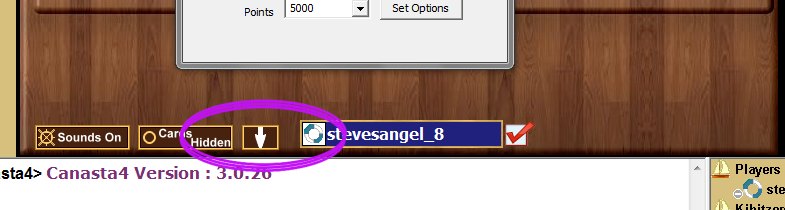 On your table will also see a "Cards Hidden" or "Cards Visible". Clicking this will change it to the opposite of whatever you have. 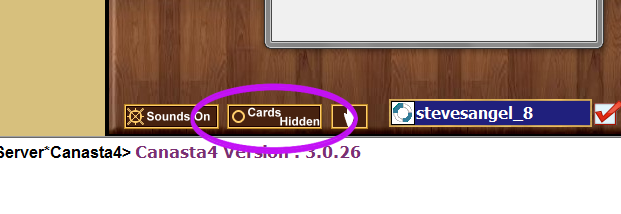 If your cards are hidden, that means if a TD is kibitzing on you, they will not be able to see your cards and the little smiley guy beside your name will have black glasses on. 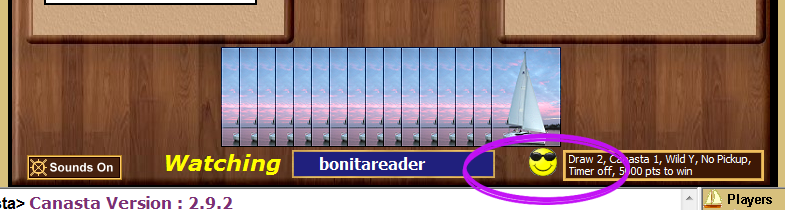 If you have your cards visible, then if a TD is kibitzing on you, they will be able to see your cards and the little smiley guy beside your name will have glasses that are slightly transparent. 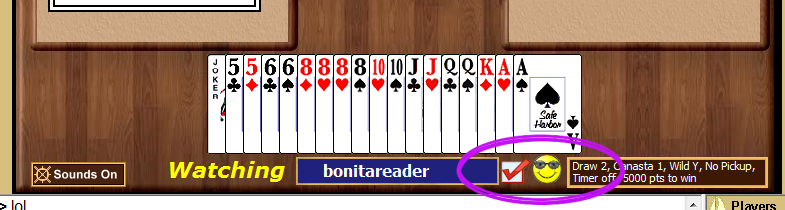  So occasionally you will select way too many wilds, and if you meld one more wild, this will cause you to DQ. To prevent a DQ follow these instructions: Close the game by click the "X" in the upper right hand corner Jump on the table again with your opponent An option will pop up to "Restore the game", click Restore You will now have lost any unmelded wilds, but at least you will not DQ.  This section will show you some one of the things your Friends list can do for you! First you will need to open up your friends messenger. If you do not have it open, you should be able to see a Red Boat on your taskbar. Click this Red Boat and it will open up the messenger. 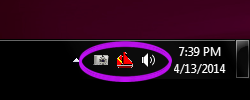 So the default on this is not bolded. If you click the "Options" on your messenger you will several things you can check. If the Bold Player List Font is unchecked, you will see the normal font. If you want this darker, see the next step. 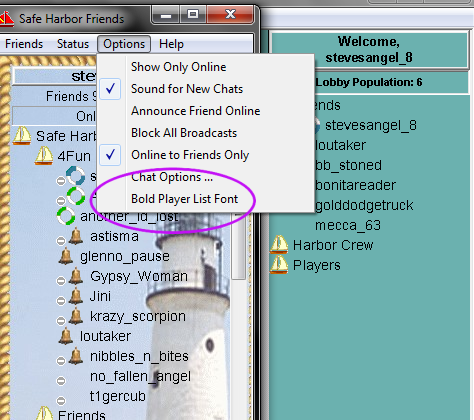 If you check the Bold Player List Font, then your list in lobby as well as your messenger list will now be bolded and easier to see. 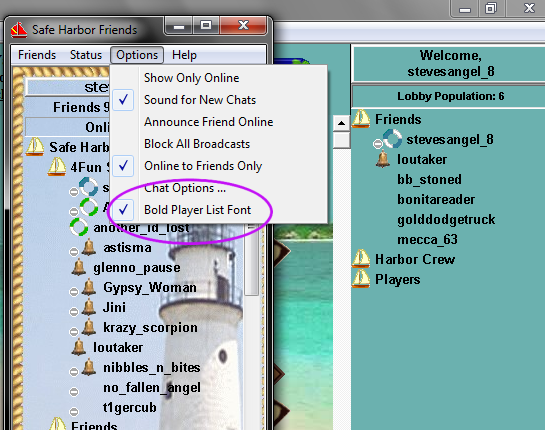  This section will tell ya about the sounds on the game table! Another tool you will see is the Sounds On or Off. If sounds are on you will hear different noises for drawing red 3's, making canastas, when it's your turn, and when the game is over. Each sound is unique, however if you do not like these, you can just click on the Sounds On and it will turn them off. 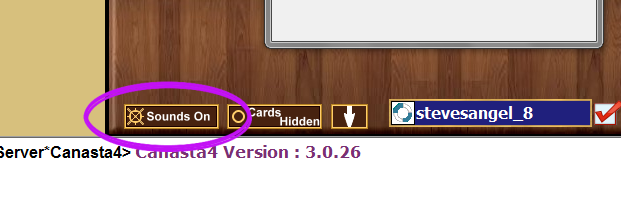 In addition to the game sounds, you can also use your Alt and number keys to make some interesting sounds as well. I have outlined what these are below. (Alt+1) ~ Applause (Alt+2) ~ Boathorn (Alt+3) ~ Thunderclap (Alt+4) ~ Bird (Alt+5) ~ Yahoooo (Alt+6) ~ Junglebird (Alt+7) ~ Baby Cry (Alt+8) ~ Laugh (Alt+9) ~ Toilet flush (Alt+0) ~ Fog Horn I am sure there are many more tools, and if I find folks needing information on these tools, I will detail them here. |