
This section will show you how to register at Safe Harbor and get into the 4Fun Lobbies. I have written directions as well as provided screenshots to show you step by step instructions. First go to Safe Habor Games and click on "Register", which you will then see the option "New User Click Here". Click on that and it will take you to the first page of your registration steps.  First thing you need to do is download their software, so click on the "Download our software" link. 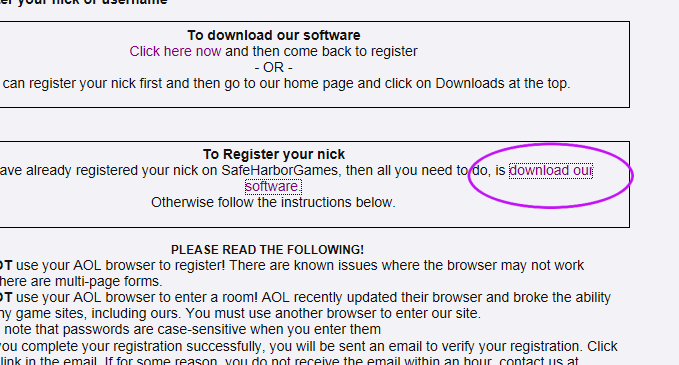 On the download page you will need to find your Windows type and download the correct version. You can either click on these and hit "Run", which will start the download on your computer, OR you can hit "Save" and it will save the file on your computer, and you will then have to double click the saved file to start the download. 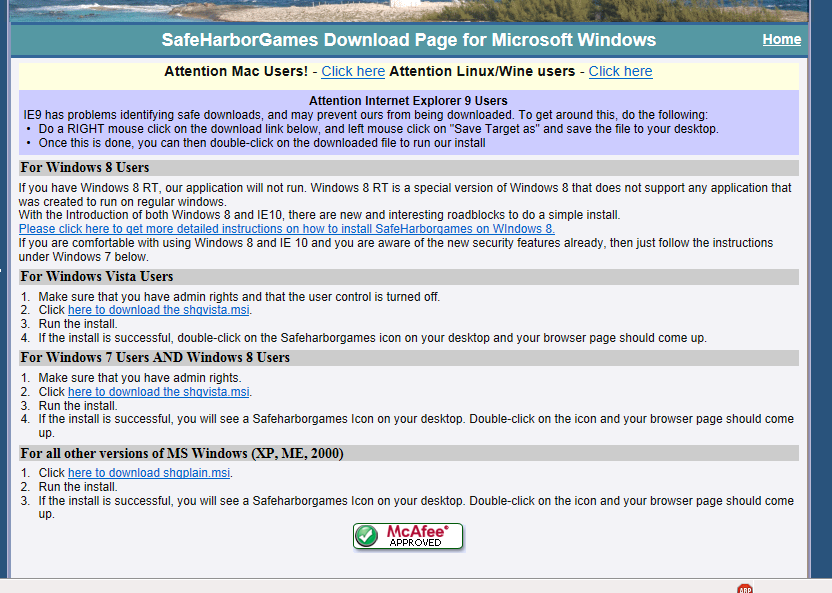 If you have indeed downloaded the software correctly, you will have a Safe Harbor icon on your desktop, this screenshot shows what it looks like. 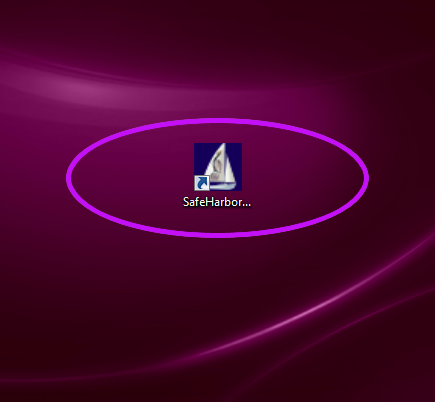 After you have downloaded the software, go back to the first step register page, and click on the "Click to Register" button at the bottom of the page. 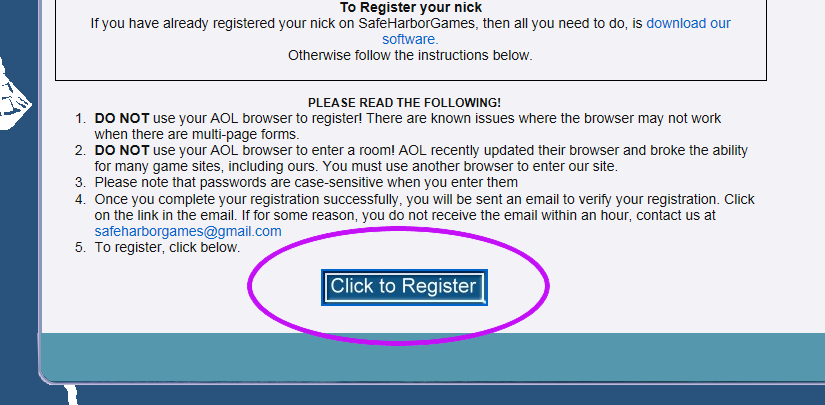 On the next page be sure to click that you are over the age of 13. If are not over 13, you cannot join, so if you do not confirm that you are, you will be stuck here. After you select "Yes", then hit continue. 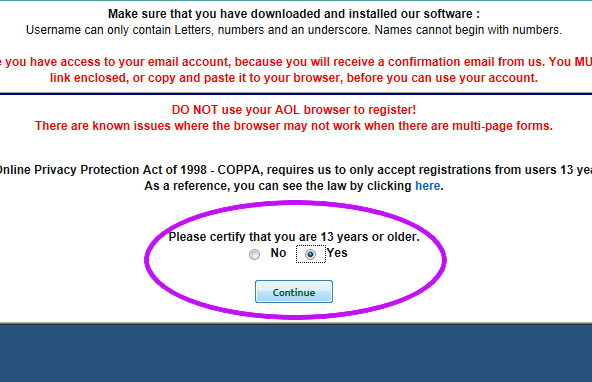 This final registration page you will need to fill out. When you are done click "Register" at the bottom and then go check your e-mail for your activation link. If you do not receive an activation e-mail, you will need to contact the Safe Harbor site admin in order to get activated.  After you are activated, head back to the Safe Harbor homepage and click on "Login" so that you can sign in. 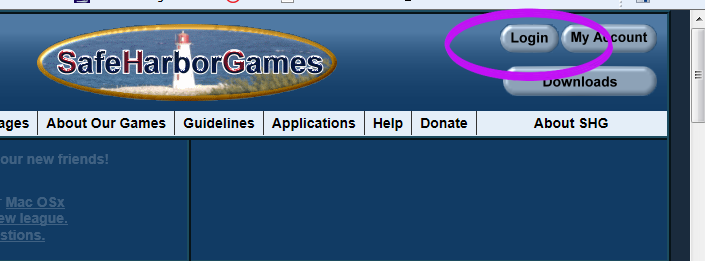 Once you hit "Login" the small box will pop up and allow you to put in your login information. 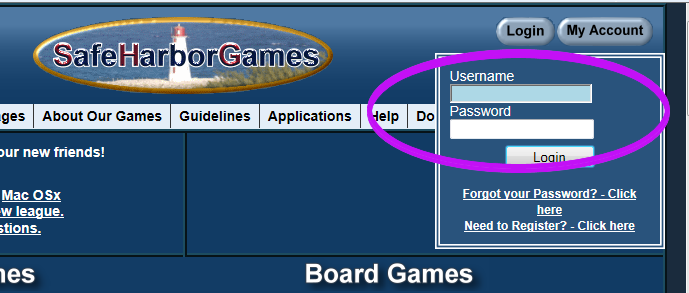 If you put your information in correctly, the page will refresh and you will see a "Welcome".  Now to get you to the lobby, please click on the Canasta link. 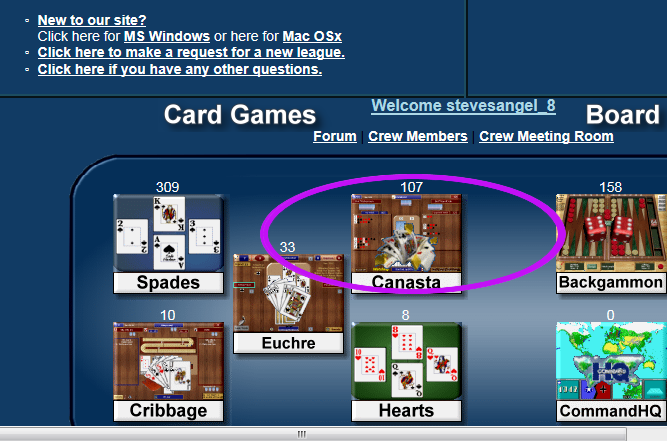 This will now open up the lobbies page, you will see many rooms. Scroll down and you will the 4Fun lobby. So click on the lobby and join us!! 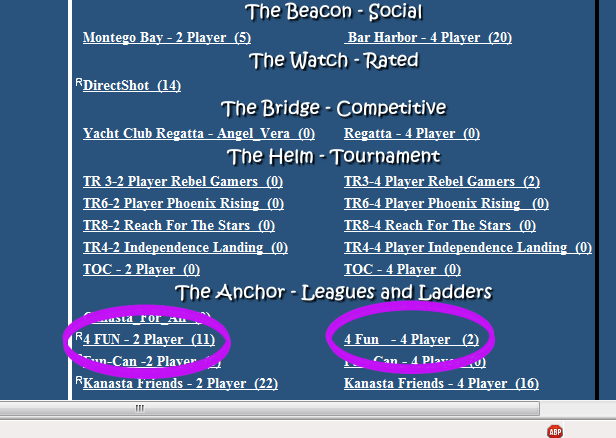 |